An IPTV app is the player that shows your channels, movies and TV guide on screen. Choosing the right one matters as much as the subscription itself: a good app feels smooth, while a poor one makes even a great service look broken. Here is how to pick the right player for your device.
What does an IPTV app do?
Your subscription gives you access to the streams. The app reads those streams and organizes them into a channel list, categories, an electronic program guide (EPG) and a video-on-demand library. The player itself contains no channels. That is why the same app works with different providers.
In practice, you install the player and then add your login details. With SubTV, these details are sent to you on WhatsApp as soon as your plan is active, together with a setup guide for your device.
The most popular IPTV players
- IPTV Smarters Pro: simple and available almost everywhere (Android, iPhone, Smart TV, Firestick). Great for beginners.
- TiviMate: a favorite on Android TV and Firestick thanks to its clean TV guide and recordings. More at tivimate.com.
- IBO Player and similar apps: handy on Samsung and LG Smart TVs, because they install from the TV’s own app store.
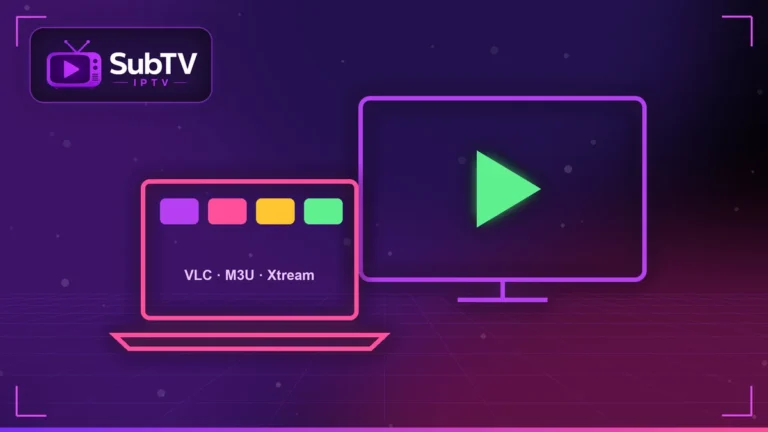
- VLC: a free, universal player that is perfect for testing a playlist on a computer.
Which IPTV app fits your device?
On a Samsung or LG Smart TV, choose an app from the TV’s official store, such as IBO Player. Our guide to IPTV on Smart TV covers every step.
On Firestick and Android TV, TiviMate and IPTV Smarters offer the best experience. Follow our IPTV on Firestick tutorial to install them.
On iPhone, iPad and Android phones, IPTV Smarters remains the easiest option. On a computer, read our guide to IPTV on PC and Mac.
Setting up your IPTV app the right way
- Log in with Xtream Codes details rather than an M3U link: the TV guide and channel logos load better. Our M3U playlist guide explains the difference.
- Turn on the EPG and pick the right time zone.
- Add your favorite channels to a favorites list.
- Match the quality to your connection: Full HD on a slower line, 4K on fiber.
If the picture still stutters, try our IPTV buffering fixes.
Free IPTV app offers: watch out
A free and legal IPTV app is just an empty player. However, apps that promise thousands of free channels almost always stream pirated content. They expose you to malware, outages and legal risk. To watch with peace of mind, pair a trusted player with a legal IPTV subscription.
IPTV app FAQ
Is the IPTV app included in the subscription?
The player is usually free or costs a few dollars from its publisher. Your SubTV plan provides the channels and setup help.
Can I use the same app on several devices?
Yes, as long as your plan includes enough simultaneous screens. Multi-screen plans cover 2, 3 or 4 devices.
Which IPTV app is the easiest?
IPTV Smarters Pro is the easiest to start with, on almost every device.
Conclusion
In short, the right IPTV app depends on your device: IBO Player on Smart TVs, TiviMate on Firestick and IPTV Smarters on phones. Our team helps you install it for free. Explore our SubTV plans or message us on WhatsApp.