When you activate a subscription, you often receive an M3U playlist or Xtream Codes details. These terms sound technical, but they are easy to understand. This guide explains what they do, which one to choose and how to enter them in your app.
What is an M3U playlist?
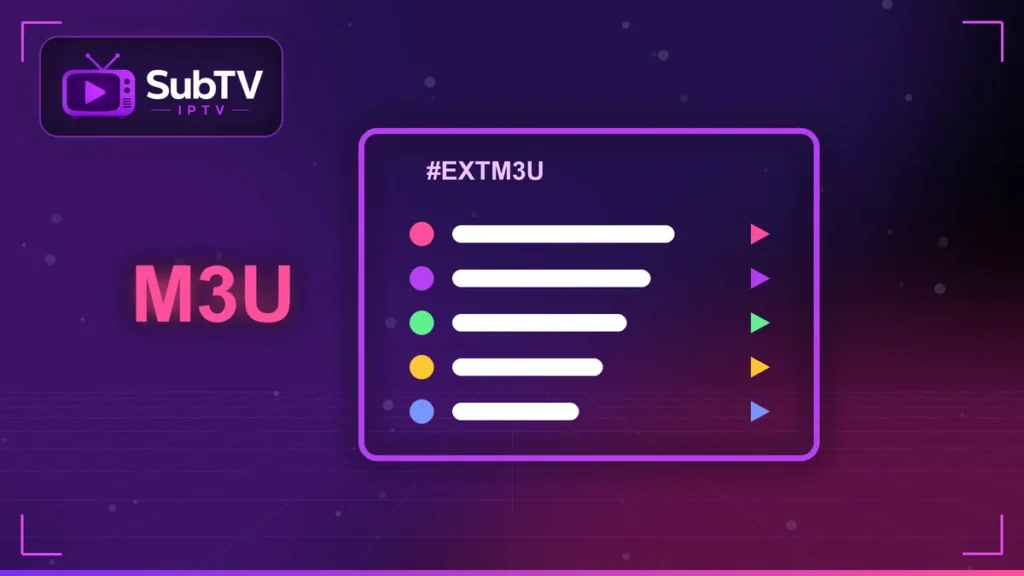
An M3U playlist is a simple text file that lists video stream addresses, with their names and categories. The format dates back to early media players, as Wikipedia explains. Your IPTV app reads the file and turns each line into a channel.
Most of the time, you do not download the file. You paste an M3U link into the app, which then fetches the latest list automatically.
Xtream Codes: the more practical option
The Xtream Codes format uses three details: a server address, a username and a password. It has several advantages:
- the TV guide (EPG) and channel logos load automatically;
- movies and series appear in separate menus;
- channel updates are faster.
That is why we recommend Xtream Codes whenever your IPTV app supports it.
Adding an M3U playlist step by step
- Open your app and choose “Add playlist” or “Load your playlist”.
- Select “M3U URL” and paste the link you received, without spaces.
- Name the playlist, for example SubTV.
- Add the EPG link if the app asks for it, then confirm.
The first load can take a minute. On a computer, you can also open the playlist in VLC: our guide to IPTV on PC and Mac shows how.
Free M3U playlist links: a real risk
Online, you will find free M3U lists that promise every channel. These lists stream content without permission. They stop working without warning and can expose your data. Above all, watching pirated streams is illegal in Canada. Learn more in our article is IPTV legal? and our guide to avoiding IPTV scams.
M3U playlist FAQ
What is the difference between M3U and M3U8?
M3U8 is the same list encoded in UTF-8. It handles accents in channel names better.
Why won’t my M3U playlist load?
Check the copied link, your connection and your subscription’s expiry date. Otherwise, try the Xtream format.
Can I use my playlist on several devices?
Yes, within the number of simultaneous screens included in your plan.
Conclusion
Ultimately, an M3U playlist is just a channel list that your app reads for you. Xtream Codes are more comfortable, with a tidy TV guide and VOD menus. With SubTV, you get both formats plus help with the setup. Explore our SubTV plans.