The program guide, or IPTV EPG, shows what is on now and next on every channel. Without it, you are channel-surfing blind. Here is how to enable it, and what to do when it is empty or out of sync.
What is the EPG?
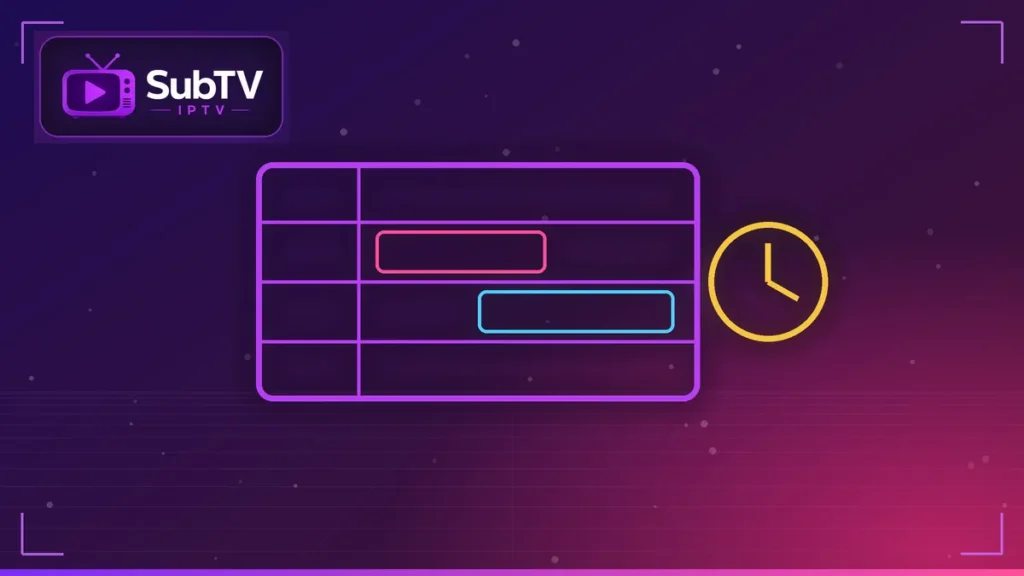
The EPG (Electronic Program Guide) is a program schedule delivered in XMLTV format. Your IPTV player downloads it, then matches it to each channel. It also powers catch-up: on supported channels, a small clock icon marks the shows you can watch again.
How to enable the TV guide
- With Xtream login: the guide loads automatically. It is the simplest method, explained in our Xtream Codes article.
- With an M3U link: the guide is sometimes included; otherwise, add the EPG address given by your provider in the player’s settings.
In TiviMate and IPTV Smarters alike, a dedicated TV guide section lets you force an update.
Empty, shifted or incomplete guide: the fixes
- Empty guide: run a manual update, then wait a minute or two.
- Wrong times: set the player’s time zone or the EPG offset (for example +1 h).
- Shows on the wrong channel: refresh the playlist; if it persists, report it to support.
- Guide disappears after a few days: set the automatic update to once a day.
The right settings per app
In IPTV Smarters, open the settings, then the TV guide section to refresh it. In TiviMate, choose the update frequency and the number of days shown. In IBO Player, check the time zone in the settings. Our TiviMate and IPTV Smarters Pro guides walk you through it.
FAQ: IPTV EPG
Why is my IPTV TV guide empty?
Usually it has not been downloaded yet. Run an update or log in again with Xtream details.
Why are the guide times wrong?
The player’s time zone is set incorrectly. Fix it or adjust the EPG offset.
Does the TV guide use a lot of data?
No, it is small. One update a day is plenty.
Conclusion
A well-configured EPG changes everything: you know what is on, plan your evenings and enjoy catch-up. Xtream login remains the simplest way to keep the guide up to date. At SubTV, the TV guide is included; discover our plans.