Watching IPTV on PC is handy for following a show at your desk, in a room without a TV or while traveling. The good news: no special hardware is needed. A recent Windows PC or Mac, a stable connection and the right player are enough. Here are the two easiest methods.
Method 1: IPTV on PC with VLC
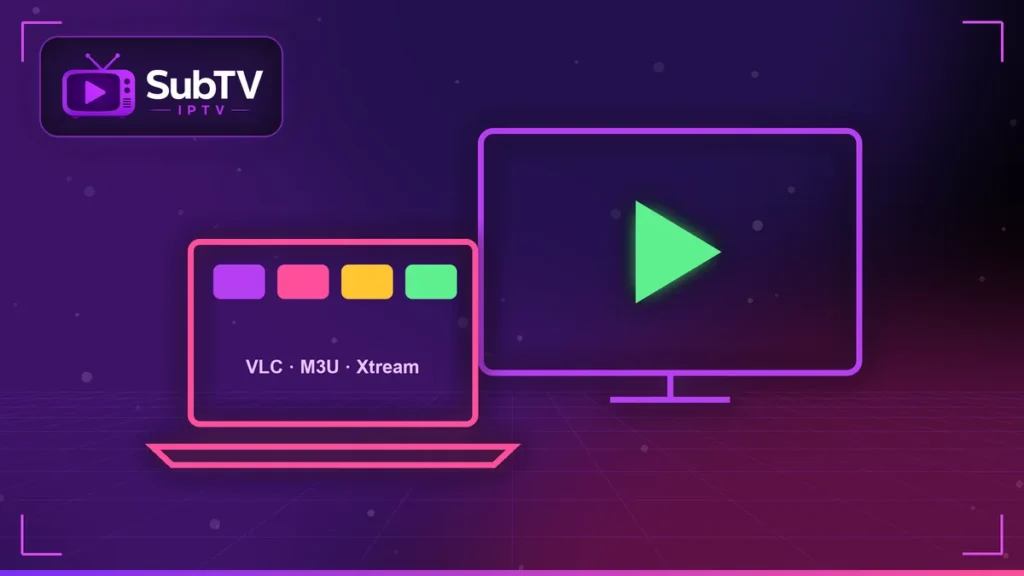
VLC is a free, ad-free player for Windows, macOS and Linux. Download it only from the official site, videolan.org, then follow these steps:
- Open VLC, click “Media” then “Open Network Stream” (on Mac: “File” then “Open Network”).
- Paste the link of your M3U playlist.
- Click “Play”: the channel list appears in VLC’s playlist.
VLC is perfect for a quick test. However, it has no full TV guide and navigation stays basic.
Method 2: a desktop IPTV app
For real comfort, install an IPTV app that supports your system. Several players offer a Windows or Mac version with a program guide, favorites and a VOD library. Enter your details in Xtream format: channels, logos and the EPG load automatically.
Some apps also run in the browser. Always choose a well-known publisher and avoid software from unknown websites.
The right settings for IPTV on PC
- Connection: use an Ethernet cable rather than Wi-Fi for Full HD and 4K.
- Updated browser and player: updates fix decoding issues.
- Hardware acceleration: turn it on in the player settings to ease the load on your processor.
- External screen: connect your computer to the TV with HDMI to enjoy the big screen.
If the picture freezes, our IPTV buffering fixes also work on a computer.
Using several screens
Your computer counts as a screen. If someone watches on the living-room TV at the same time, you need a plan with two simultaneous screens. Our guide to multi-screen IPTV helps you choose.
IPTV on PC FAQ
Do I need a powerful computer for IPTV?
No. A computer less than eight years old handles Full HD. 4K needs a more recent processor and graphics card.
Does IPTV work on a Mac?
Yes, with VLC or a macOS-compatible app. The method is the same as on Windows.
Can I watch IPTV on my laptop while traveling?
Yes, with a stable connection. Our guide to watching French TV abroad gives the right tips.
Conclusion
In short, IPTV on PC takes five minutes to set up: VLC for testing, a dedicated app for everyday comfort. Our team can guide you on WhatsApp if needed. Explore our SubTV plans to get started.