You hear about IPTV everywhere, but you are not quite sure what it is? Here is how IPTV works, in plain words and with no jargon. In a few minutes, you will understand how internet TV works and why it is gradually replacing the antenna and the dish.
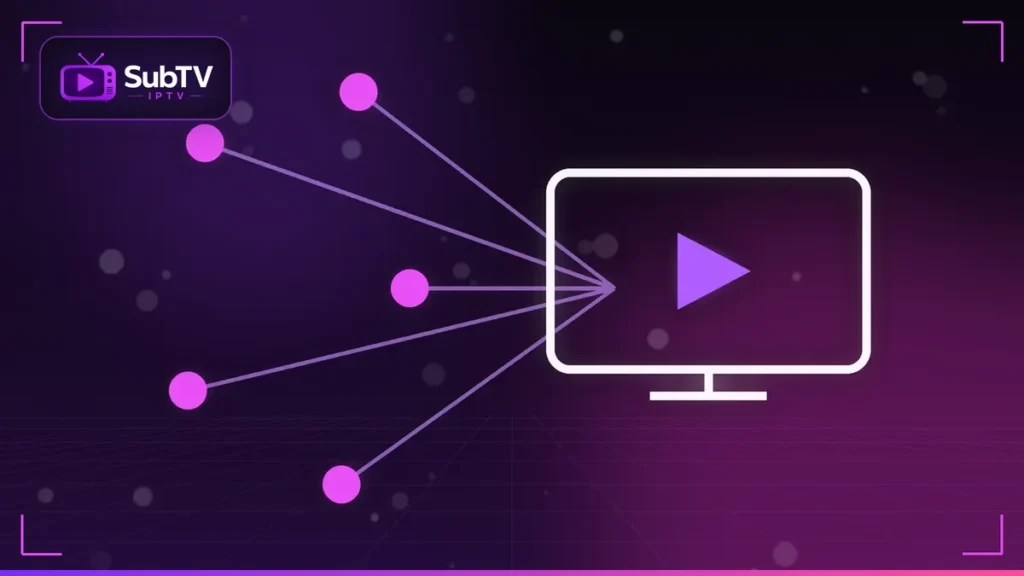
How IPTV works: TV over the internet
IPTV stands for “Internet Protocol Television”. In other words, channels no longer travel over the air or through a satellite, but over your internet connection. Your TV, phone or computer receives the pictures just as it receives a web page or a video.
In fact, you probably already use IPTV without knowing it. Many cable and fiber boxes deliver TV this way. For a more technical explanation, the Wikipedia page on Internet Protocol television is very complete.
How IPTV works, step by step
The principle has three steps. First, an authorized provider receives the channels and encodes them in digital form. Next, its servers send these streams over the internet. Finally, an app decodes them on your device and shows them with a program guide.
There are three main uses: live TV, like a regular channel; video on demand for movies and series; and sometimes catch-up to watch a past show.
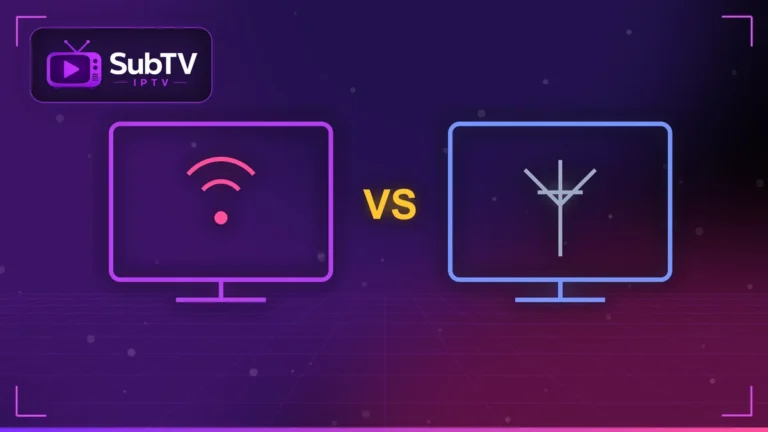
IPTV, antenna, cable or satellite: the differences
- Antenna: free, but limited to local over-the-air channels.
- Cable and satellite: many channels, but often a contract, a dish or a set-top box.
- IPTV: a simple internet connection, on every screen at home and on the go.
Beyond the definition: the benefits of IPTV
First, IPTV works wherever you have internet. Second, it plays on all your screens: Smart TV, tablet, phone or computer. Third, it combines live TV, on-demand content and a TV guide in one app. Finally, setup is as simple as downloading an app.
IPTV and legality: avoid the confusion
The IPTV technology is perfectly legal. However, some offers sold online broadcast pirated channels. That practice is illegal, not IPTV itself. To tell the difference, read our article is IPTV legal?. At SubTV, every channel is broadcast under license.
What you need so IPTV works well at home
- An internet connection of at least 10 Mbps for HD.
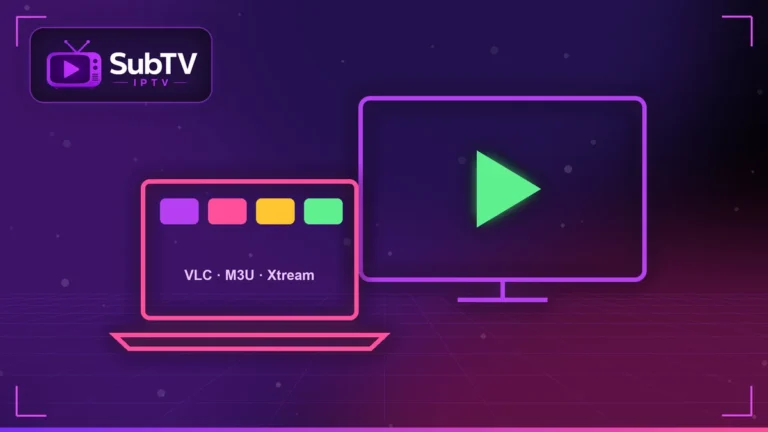
- A compatible device: Smart TV, Fire TV Stick, Android box, phone or computer.
- A plan from a legal service, such as SubTV IPTV.
To get started, our guides to IPTV on Smart TV and IPTV on Firestick walk you through each step.
FAQ: how IPTV works
What does IPTV stand for?
IPTV stands for Internet Protocol Television, meaning TV delivered over the internet.
Do I need a box to watch IPTV?
No. A Smart TV, a Fire TV Stick, a phone or a computer is enough, with a compatible app.
Does IPTV use a lot of data?
Yes, about 1 to 3 GB per hour in HD and more in 4K. An unlimited home connection is therefore recommended.
Conclusion
In short, IPTV is the TV of tomorrow, already available today with a simple internet connection. Now that you know how IPTV works, discover how to enjoy it legally with our SubTV plans. Questions? Our team answers on WhatsApp.